 Eugene Stitch
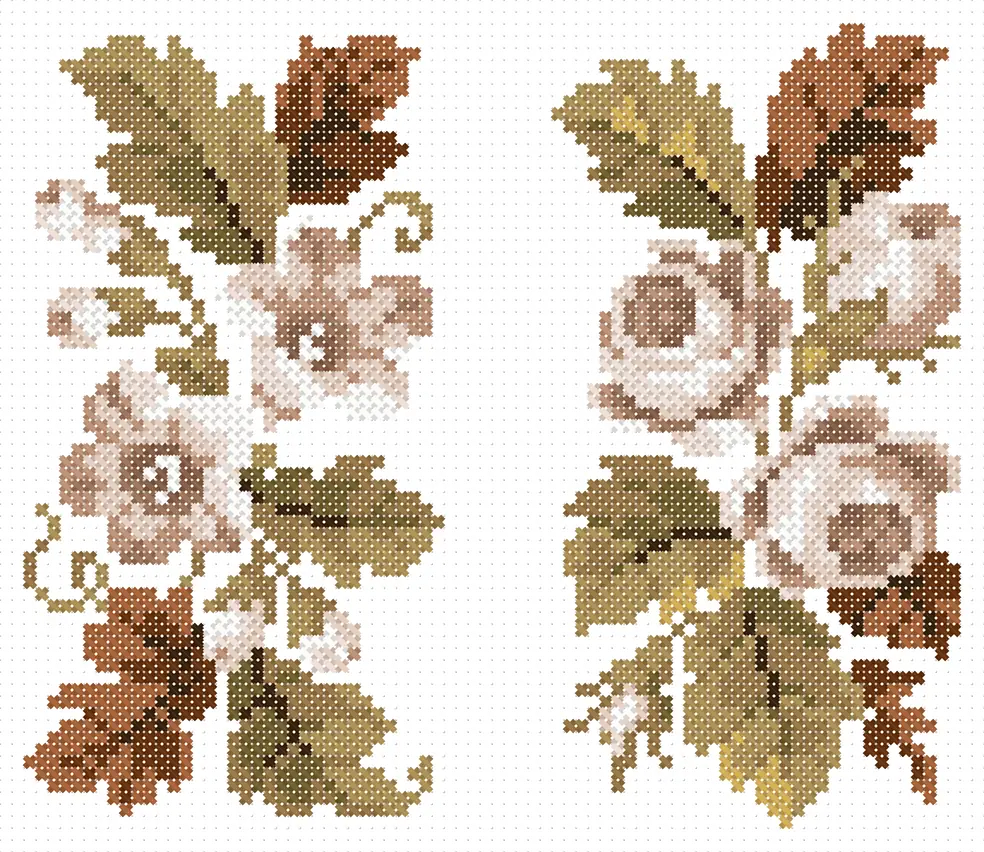
Lilies and roses cross stitch pattern
Free, CC BY-NC-SA 4.0 licence
Stitch in the app- Size
- 78 × 67 stitches
- Stitches
- 2,892
- DMC colours
- 13
- Difficulty
- fairly easy (2 of 5)
- Background
- left unstitched
- Stitch
- full cross stitch, 2 strands
About this pattern
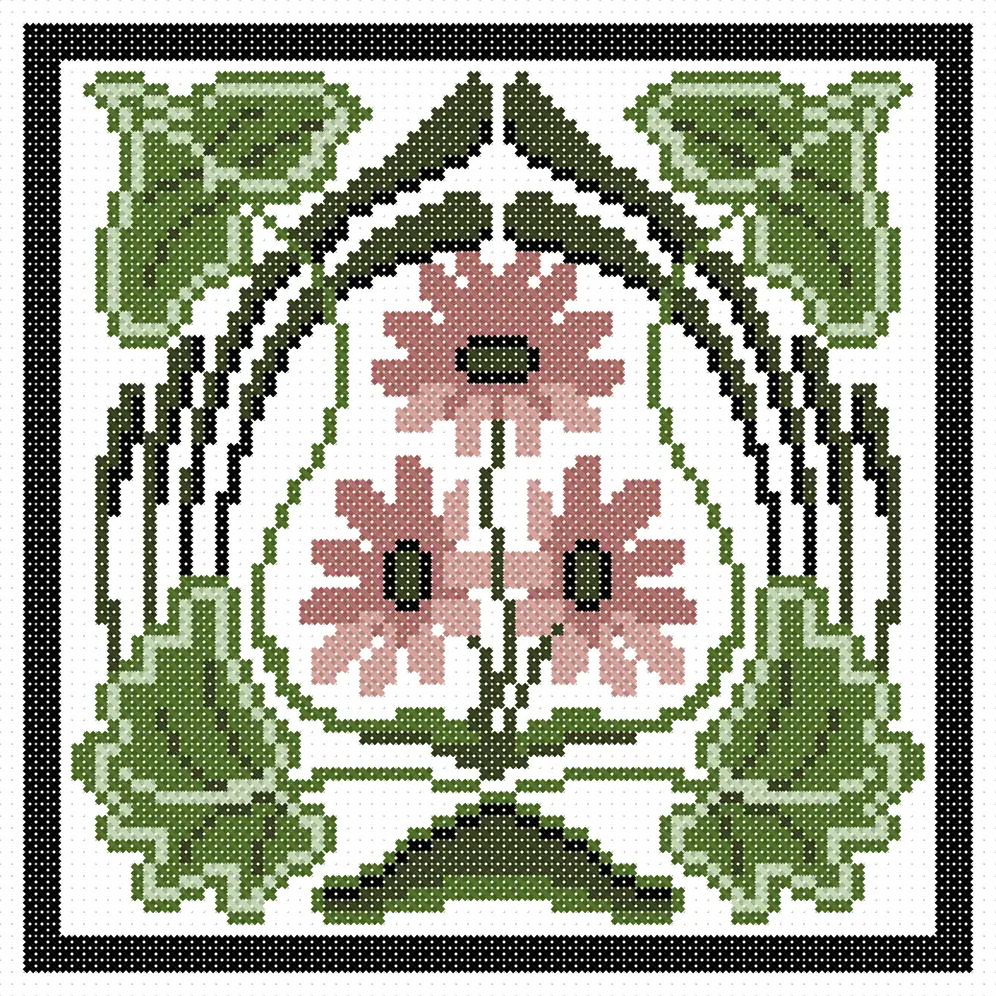
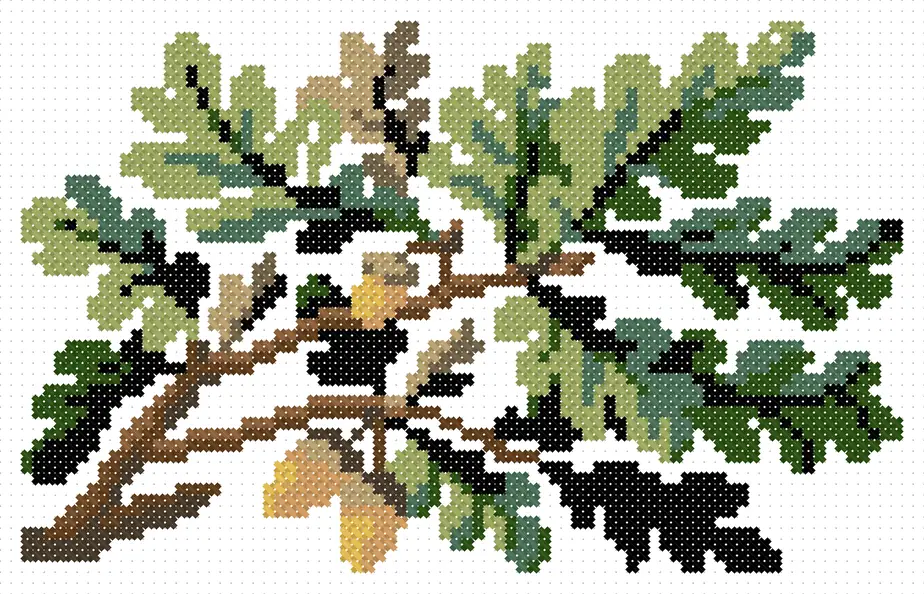
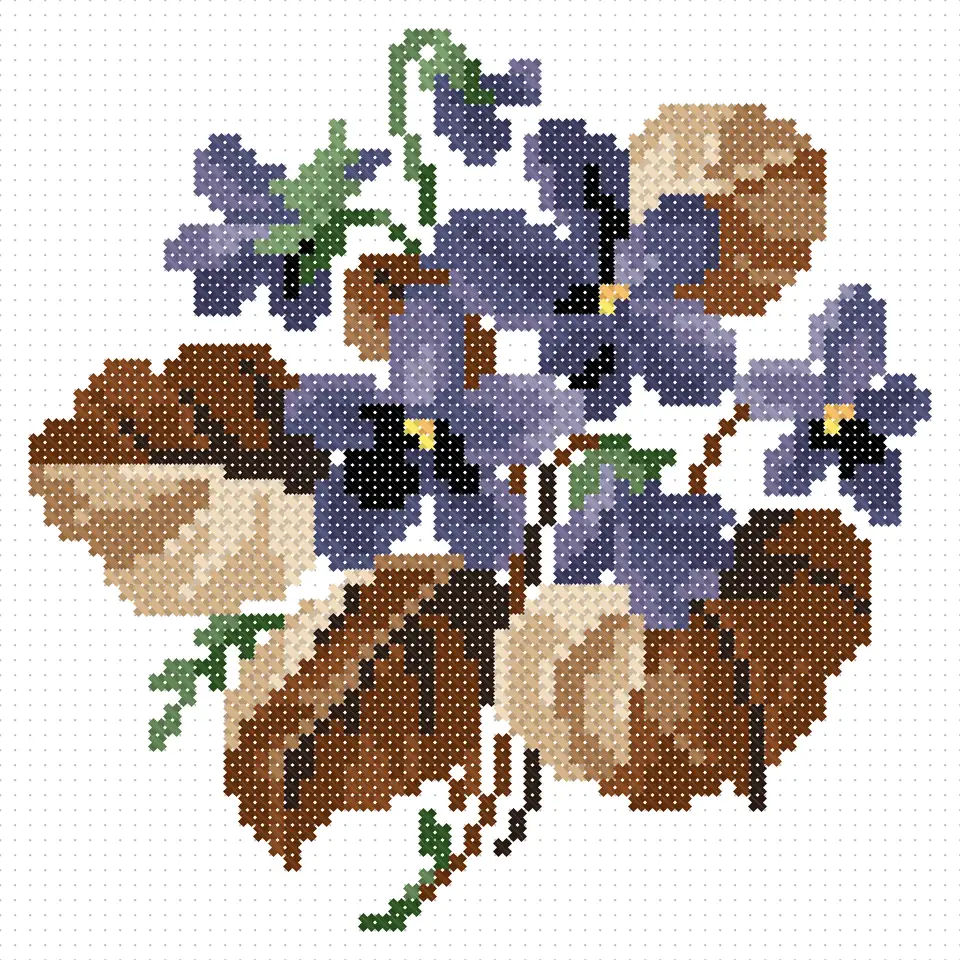
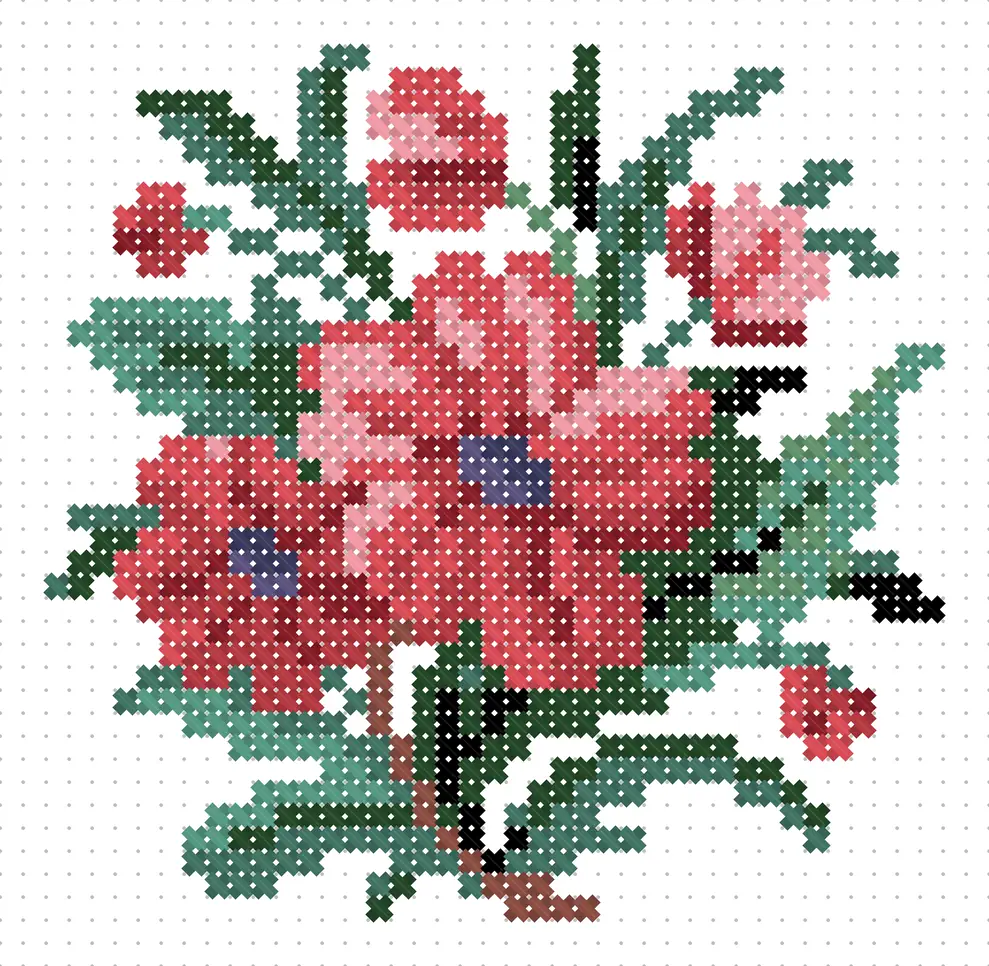
Two upright motifs among olive and brown leaves: pale lilies on the left, roses on the right. The background can be stitched in DMC 3685 or left as fabric. The chart is 78 × 67 stitches, 2,892 stitches in all, in 13 DMC colours; difficulty: fairly easy (2 of 5). On 14-count Aida it measures 5.6 × 4.8 in (14.2 × 12.2 cm). The most used thread is DMC 420 Hazelnut Brown Dk, 517 stitches.
Size on fabric
| Fabric | Stitched size |
|---|---|
| 14-count Aida | 5.6 × 4.8 in (14.2 × 12.2 cm) |
| 16-count Aida | 4.9 × 4.2 in (12.4 × 10.6 cm) |
| 18-count Aida | 4.3 × 3.7 in (11.0 × 9.5 cm) |
Fabric to cut on 14-count Aida, with a 2 in (5 cm) margin on each side: 10 × 9 in (25 × 23 cm).
Choosing fabric: Aida 14, 16 or 18 count.
DMC threads
| Thread | Name | Stitches | Skeins |
|---|---|---|---|
| DMC 420 | Hazelnut Brown Dk | 517 | 1 |
| DMC 3828 | Hazelnut Brown | 427 | 1 |
| DMC 950 | Desert Sand Light | 276 | 1 |
| DMC 301 | Mahogany Med | 263 | 1 |
| DMC 300 | Mahogany Vy Dk | 227 | 1 |
| DMC 3064 | Desert Sand | 214 | 1 |
| DMC 829 | Golden Olive Vy Dk | 214 | 1 |
| DMC 3774 | Desert Sand Vy Lt | 181 | 1 |
| DMC Blanc | White | 177 | 1 |
| DMC 938 | Coffee Brown Ult Dk | 146 | 1 |
| DMC 3772 | Desert Sand Vy Dk | 123 | 1 |
| DMC 632 | Desert Sand Ult Vy Dk | 76 | 1 |
| DMC 729 | Old Gold Medium | 51 | 1 |
13 DMC threads in all, 13 skeins.
Skeins are an estimate: an 8 m DMC skein, 2 strands on 14-count Aida, about 1,500 stitches per skein.
Where the pattern comes from
A 19th-century Berlin woolwork sheet (Hertz & Wegener, Berlin, no. 9556). Antique Pattern Library volunteers re-charted it on a computer with DMC threads (chart by Sytske Wijnsma). We transferred the chart cell for cell, threads as in its key.
The sheet at Antique Pattern Library · CC BY-NC-SA 4.0 licence
You may stitch and share this pattern for free with credit to the source, but not sell it. Our version is under the same licence.
How to stitch it in the app
- Tap “Stitch in the app” and the pattern opens in the app’s catalog. The first time, the app asks you to sign in with Google; after that you’ll find the pattern in the Catalog. Tap “Start stitching”: the pattern is added to My patterns and opens for stitching.
- Pick a thread in the key: its stitches are highlighted on the chart.
- Mark stitches with a tap or a swipe. Progress is saved to your account, so you can carry on on another device.
Stitching from a chart for the first time? Start with How to read a cross stitch chart.